Step 3: Adopting an Inku Friend
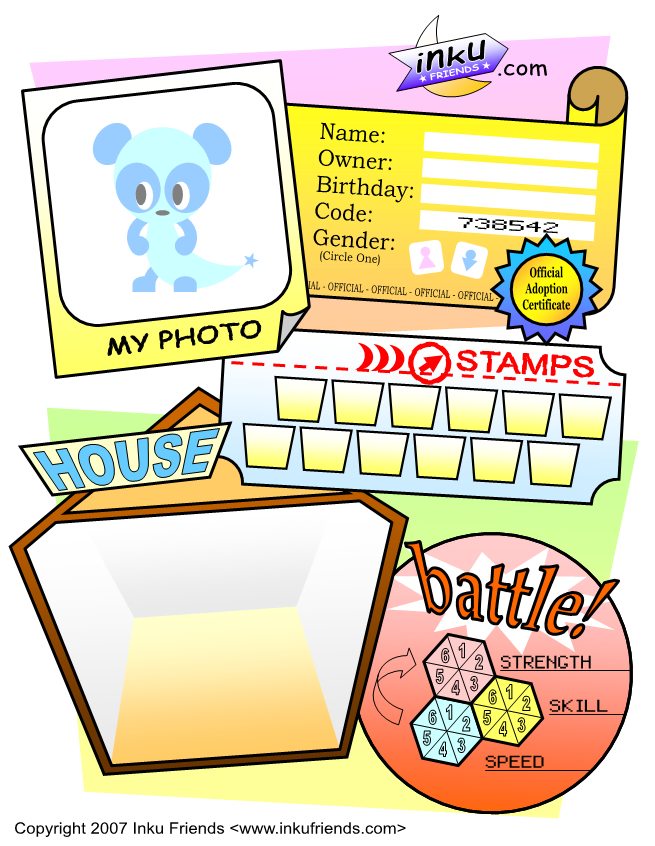
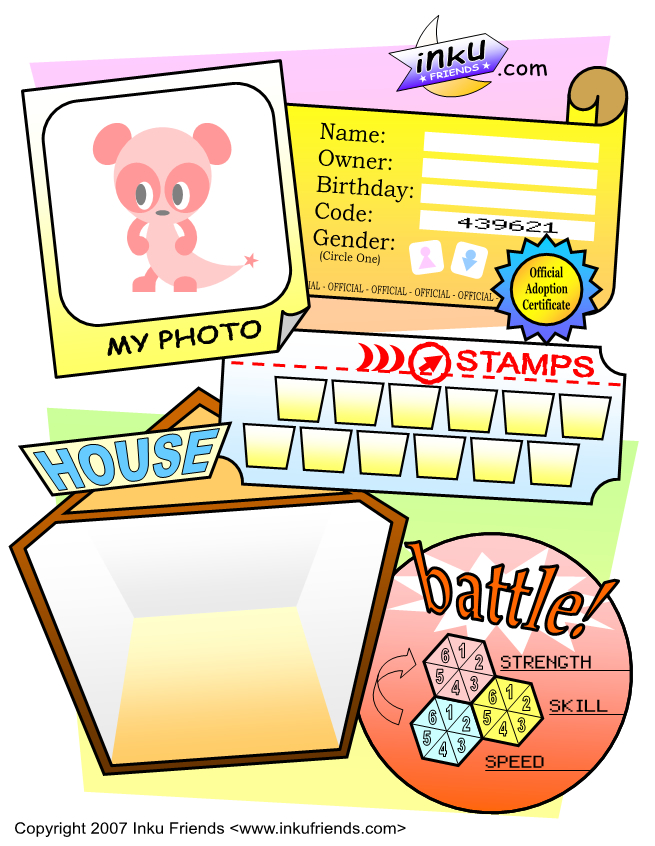
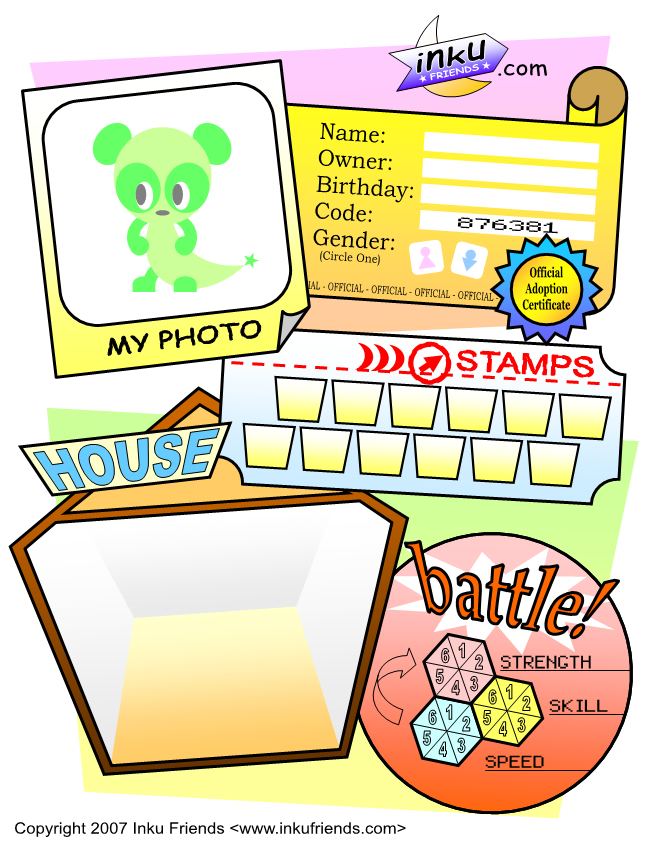
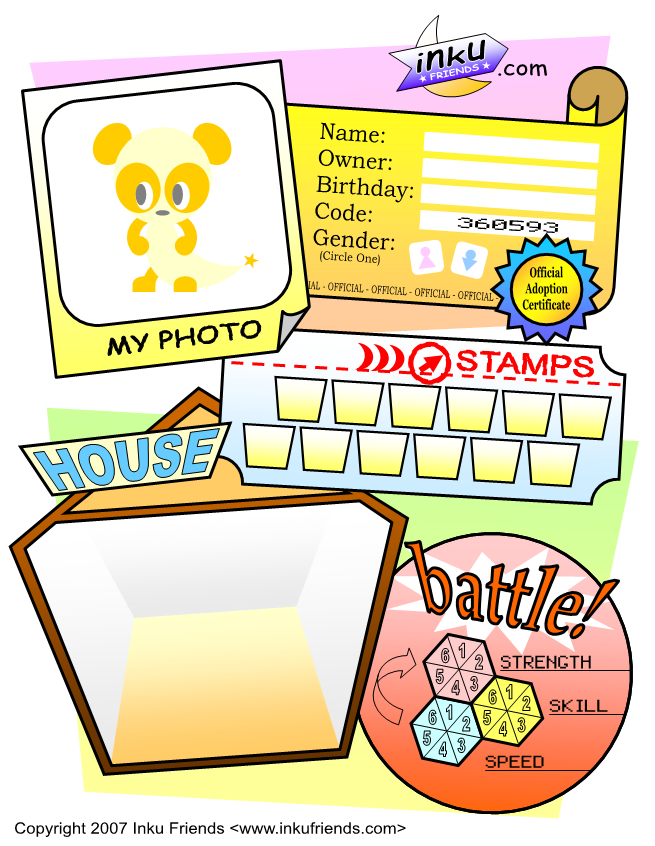
Now you're ready to adopt your very own Inku Friend! Choose one of the breeds below and click on it to open its Friend Sheet in a new window. Read the important info below and print your Friend Sheet out. Click Next to go to the next step when you're ready!
IMPORTANT PRINTING INFO! On the back of your Codebook, write down exactly how you printed out your Friend Sheet. Include how you loaded the Friend Sheet into the printer, what browser you used (i.e. Internet Explorer, Netscape Navigator, Safari, etc.), what buttons you clicked to print it out, and if necessary, which printer you used.
Examples:
"Put Friend Sheet in paper tray facing down. In Internet Explorer, click File > Print"
"Put Friend Sheet in paper tray facing up. In Internet Explorer, click File > Print Preview > Turn Headers and Footers off and click Print"
Why do we have you do this? Different browsers and printers can print at slightly different sizes and allignments. When you print new items onto your Friend Sheet, they might not line up correctly unless you print exactly the same way every time. Now you can check the back of your Codebook if you forget how to print!
When you're finished printing out your Friend Sheet, take a pen and fill out its information on the adoption certificate in the top-right corner of the page. Write down its name, your name, its birthday (the day you printed it out), and circle its gender. Its code is already filled in for you. If you ever lose your Friend Sheet or accidentaly ruin it in the printer, go to the Help section and you can enter its code to print out a new Friend Sheet.
Next >>
|